Open Source · Free for Personal Use

Build Your Own AI Assistant AI Assistant AI Assistant with Personality

Open-source constructor for personal AI assistants with voice control, persona system, and full local privacy. Choose character, voice, and brain — run it on your hardware.

100%Local Voice
6+Personas
5+AI Backends
3Platforms

What is OpenOcto?

The era of smart speakers is evolving. Take back control of your AI assistant.

🎙️

Voice-First

Full voice pipeline — wake word, VAD, speech-to-text, text-to-speech — all running locally on your device. No audio ever leaves your machine.

🧩

Modular Design

Every component is replaceable. Swap wake word engines, STT models, TTS voices, and AI backends independently. Your assistant, your rules.

🐙

Persona System

Like creating a character in an RPG — pick personality, voice, skills, and appearance. Six built-in personas or create your own.

🔒

Privacy by Design

All audio processing happens locally. The only external connection is the AI text API — and even that is optional with Ollama.

Features

Everything you need for a personal AI assistant that respects your privacy

🗣️

Local Wake Word

OpenWakeWord detection — each persona has its own activation phrase. "Hey Hestia", "Hey Argus", or custom.

🎧

whisper.cpp STT

Fast local transcription with excellent multilingual support. Optimized for Apple Silicon and modern CPUs.

🔊

Piper / Silero TTS

Natural-sounding voices with per-persona configuration. Adjust speed, tone, and personality.

🤖

Multi-Backend AI

Claude, OpenAI, Ollama, Gonka, or OpenClaw. Switch providers without changing anything else.

📱

Mobile App

React Native companion app — remote control, push notifications, status dashboard, media control.

🏠

Smart Home

Home Assistant integration. Control lights, temperature, scenes — all by voice.

✈️

Telegram Bot

Free remote access via Telegram. Send commands and receive notifications from anywhere.

🧙

Setup Wizard

Visual browser-based wizard guides you through persona selection, voice config, and AI backend setup.

🌐

Offline Mode

Fully autonomous with Ollama + local LLM. Perfect for remote locations with unstable internet.

Meet the Personas

Choose a character that fits your needs — or create your own

Hestia

Hestia

Home Keeper

Warm, caring, patient. The goddess of the hearth, welcoming and nurturing. Perfect for family and daily tasks.

FamilyHomeDaily
Metis

Metis

Strategic Advisor

Smart, concise, strategic. The goddess of wise counsel who always knows the right move. For planning and analytics.

BusinessAnalyticsPlanning
Nestor

Nestor

Wise Mentor

Patient, thorough, educated. A sage from the Iliad. Great for education, children, and detailed explanations.

EducationKidsLearning
Sofia

Sofia

Companion

Empathetic, soft, supportive. "Wisdom" in Greek. Your thoughtful companion for reflection and planning.

ReflectionSupportPlanning
Argus

Argus

Guardian

Serious, attentive, concise. The all-seeing mythological watchman. For security and home monitoring.

SecurityMonitoringSmart Home
Create Your Own

Create Your Own

Custom Persona

Define personality, voice, skills, and system prompt. Package it as YAML + markdown — share with the community.

CustomCommunity

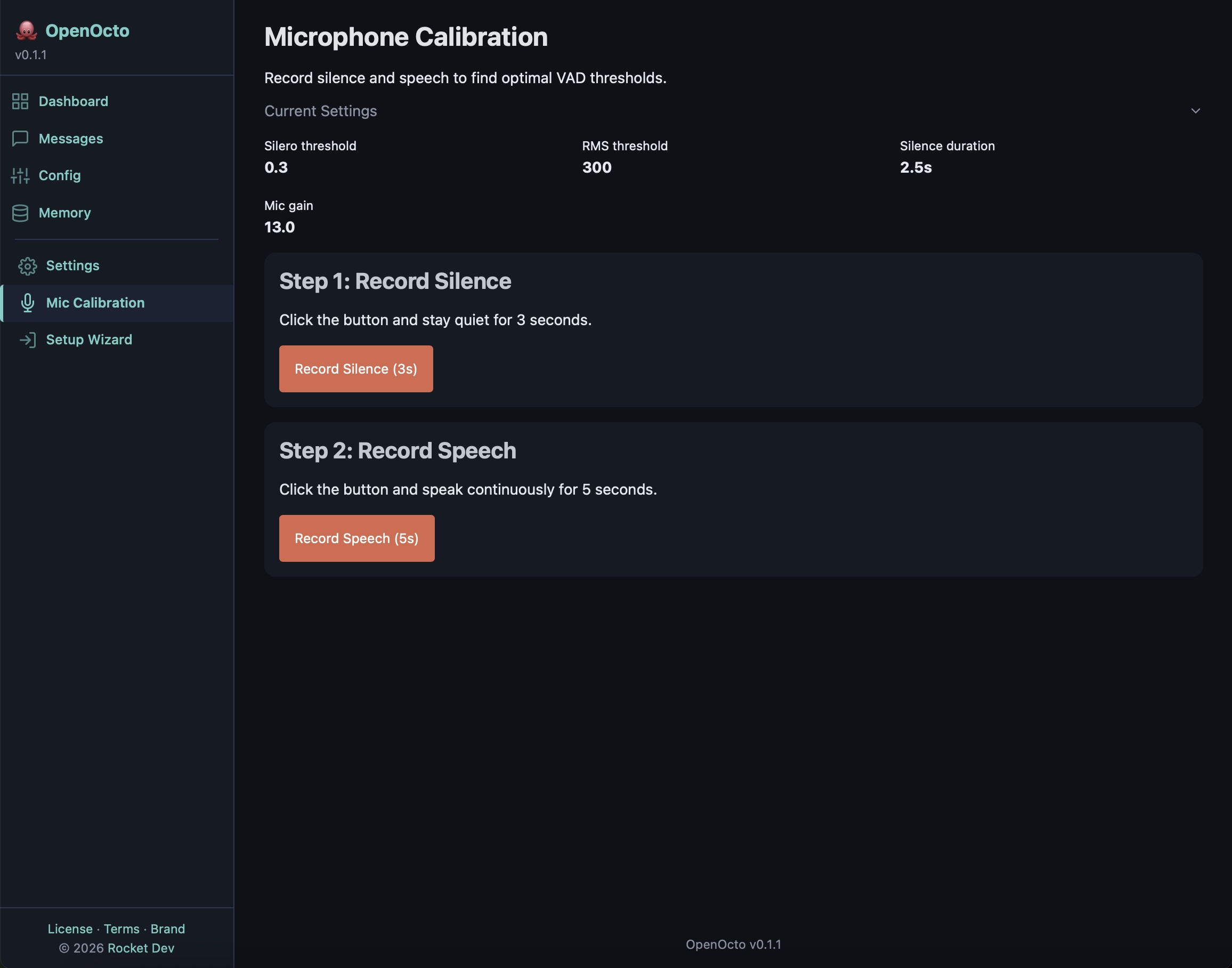
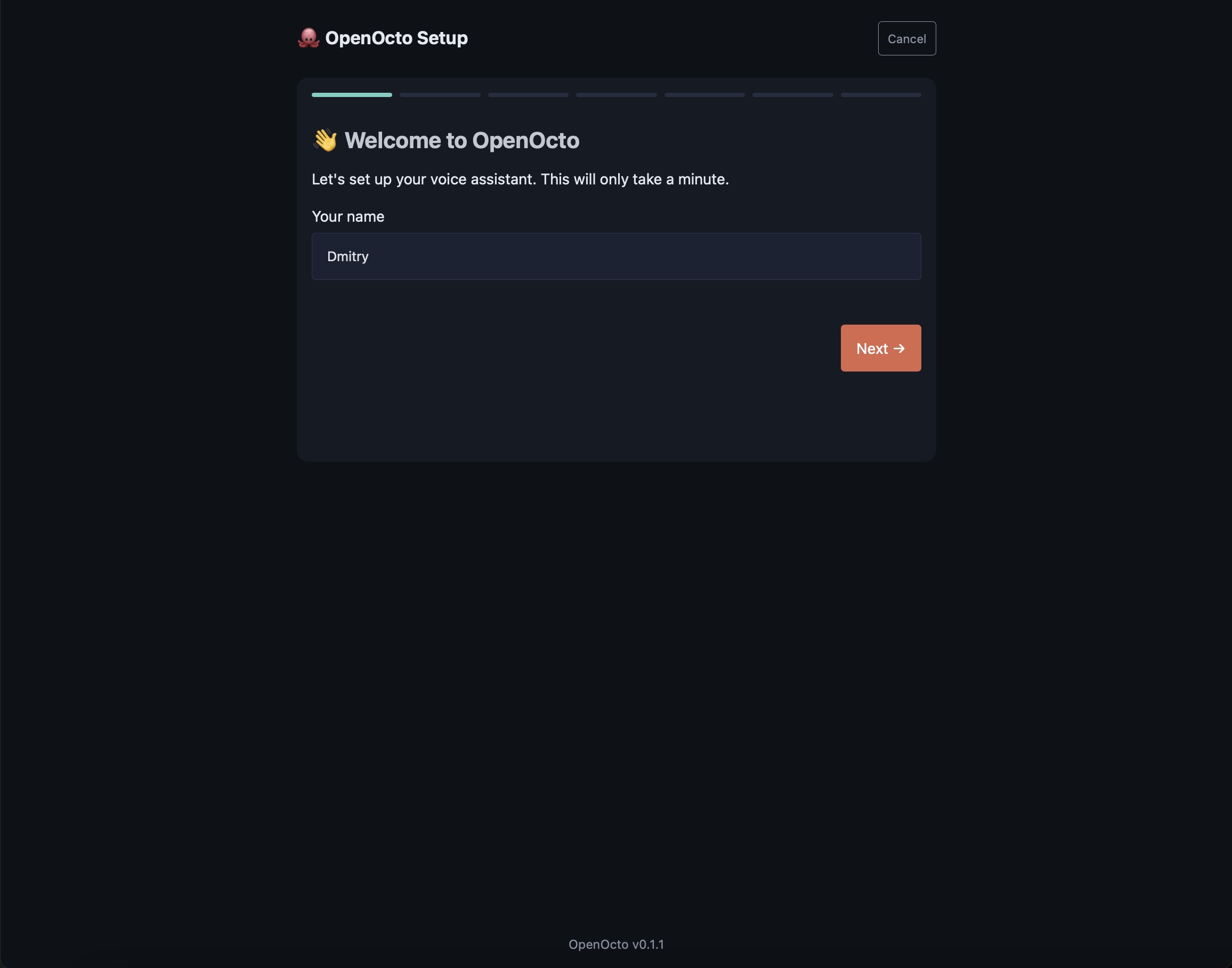
Visual Setup Wizard

Not another CLI tool. A real visual experience — because your assistant should feel personal from the first minute.

Step 1 — Choose your persona
OpenOcto setup wizard — choose persona
Step 2 — Configure voice & wake word
OpenOcto setup wizard — configure voice

How It Works

From wake word to spoken response — entirely on your device

1

Wake Word

OpenWakeWord listens for the persona's activation phrase. Always-on, always local.

OpenWakeWord
2

Recording + VAD

Silero VAD monitors for speech. Stops recording after 3-4 seconds of silence.

Silero VAD
3

Transcription

whisper.cpp transcribes speech to text locally. Fast on Apple Silicon.

whisper.cpp
4

AI Processing

Text is sent to the selected AI backend with the persona's system prompt.

Claude / Ollama / OpenClaw
5

Voice Response

TTS converts the response to speech using the persona's configured voice. Streamed sentence-by-sentence.

Piper TTS
~5-8 seconds total perceived latency with streaming TTS

Get Started in Minutes

One command installs everything — dependencies, models, config wizard

macOS / Linux
curl -sSL https://raw.githubusercontent.com/openocto-dev/openocto/main/install.sh | bash
Windows (PowerShell)
irm https://raw.githubusercontent.com/openocto-dev/openocto/main/install.ps1 | iex
Then launch
openocto start

Already cloned the repo? Run ./install.sh instead.

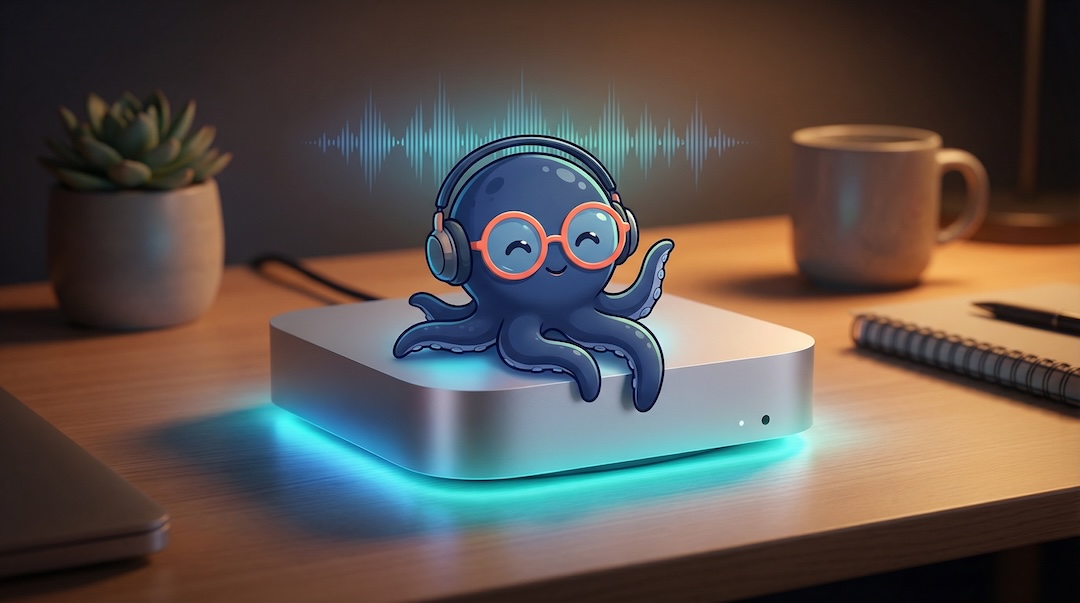
OpenOcto running on Mac Mini
Recommended Setup

Your always-on AI home hub

Runs 24/7 on a Mac Mini. Silent. ~$10/year in electricity. Always listening, always local, always yours.

  • Mac Mini M2 or M4 — compact, fanless-quiet, powerful enough for Whisper medium
  • Plug in a USB microphone — or use a smart speaker as input
  • Connect to your TV or speakers for voice output
  • Install OpenOcto — say "Hey Octo" and you're done

Roadmap

Building the future of personal AI assistants, one phase at a time

Phase 1

MVP

  • Voice pipeline (wake word → VAD → STT → AI → TTS)
  • Standalone mode (direct AI API)
  • CLI interface
  • Default persona (Octo)
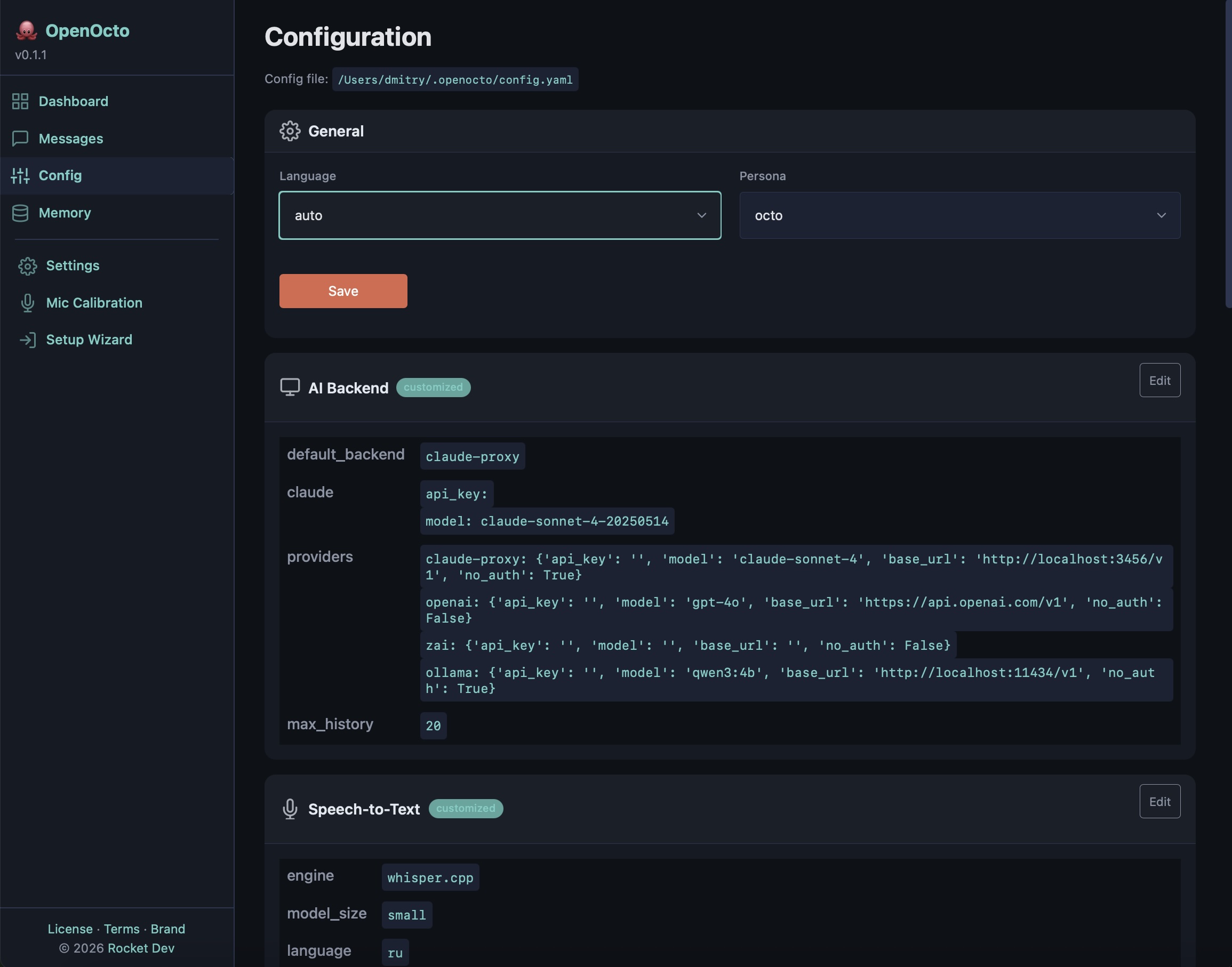
  • YAML configuration
Phase 2

Personas & Wizard

  • Persona Manager
  • 6 built-in personas
  • Setup Wizard (React)
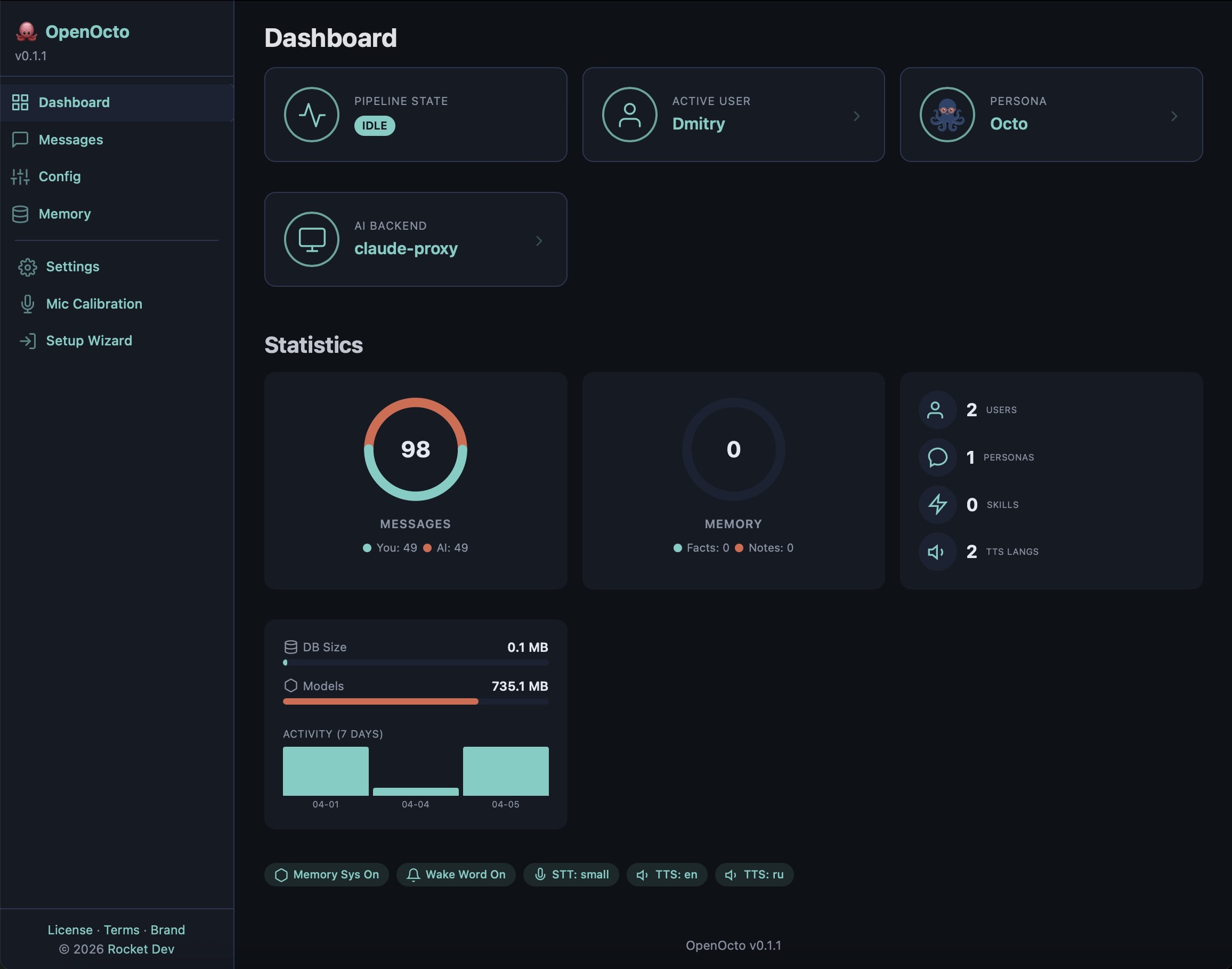
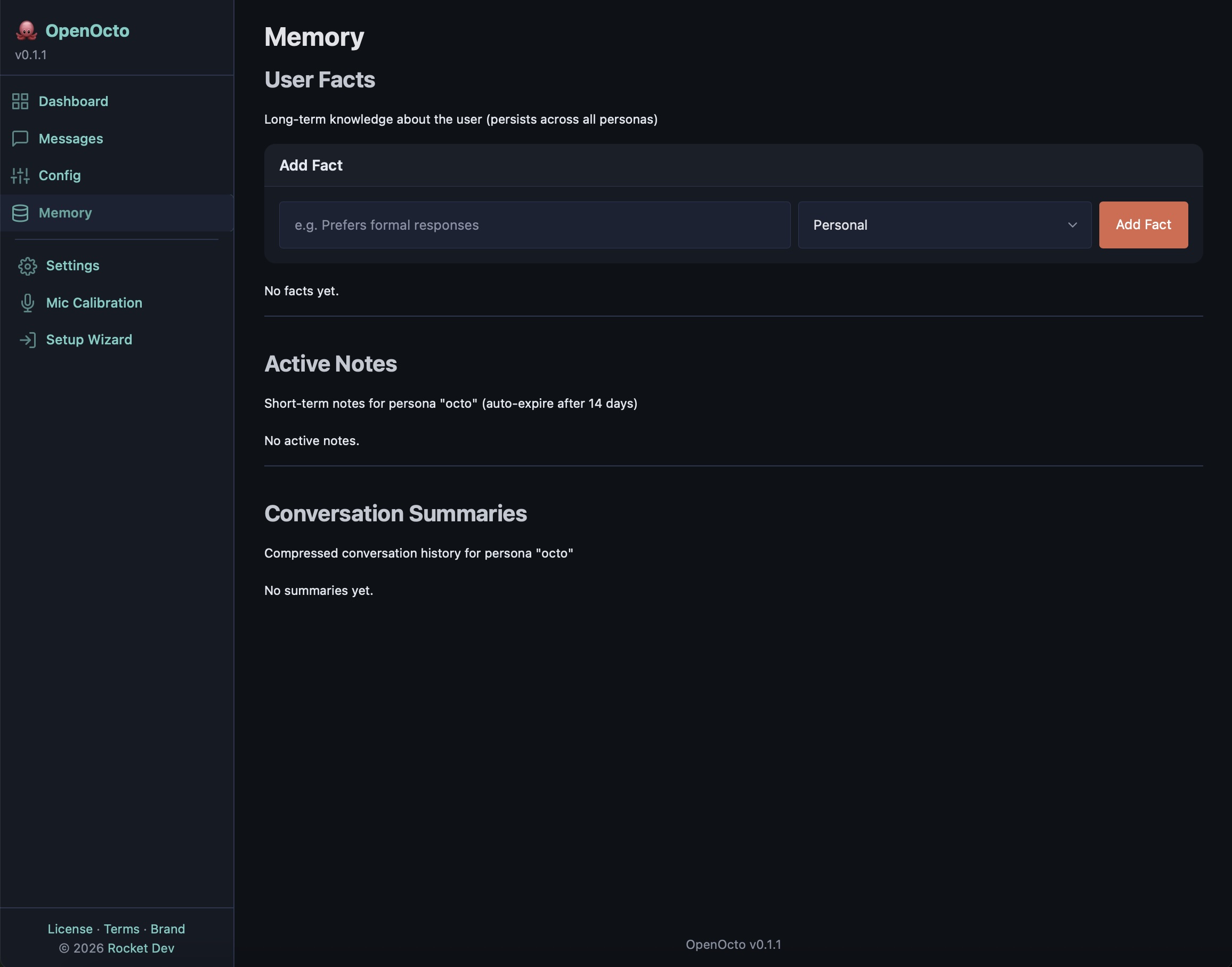
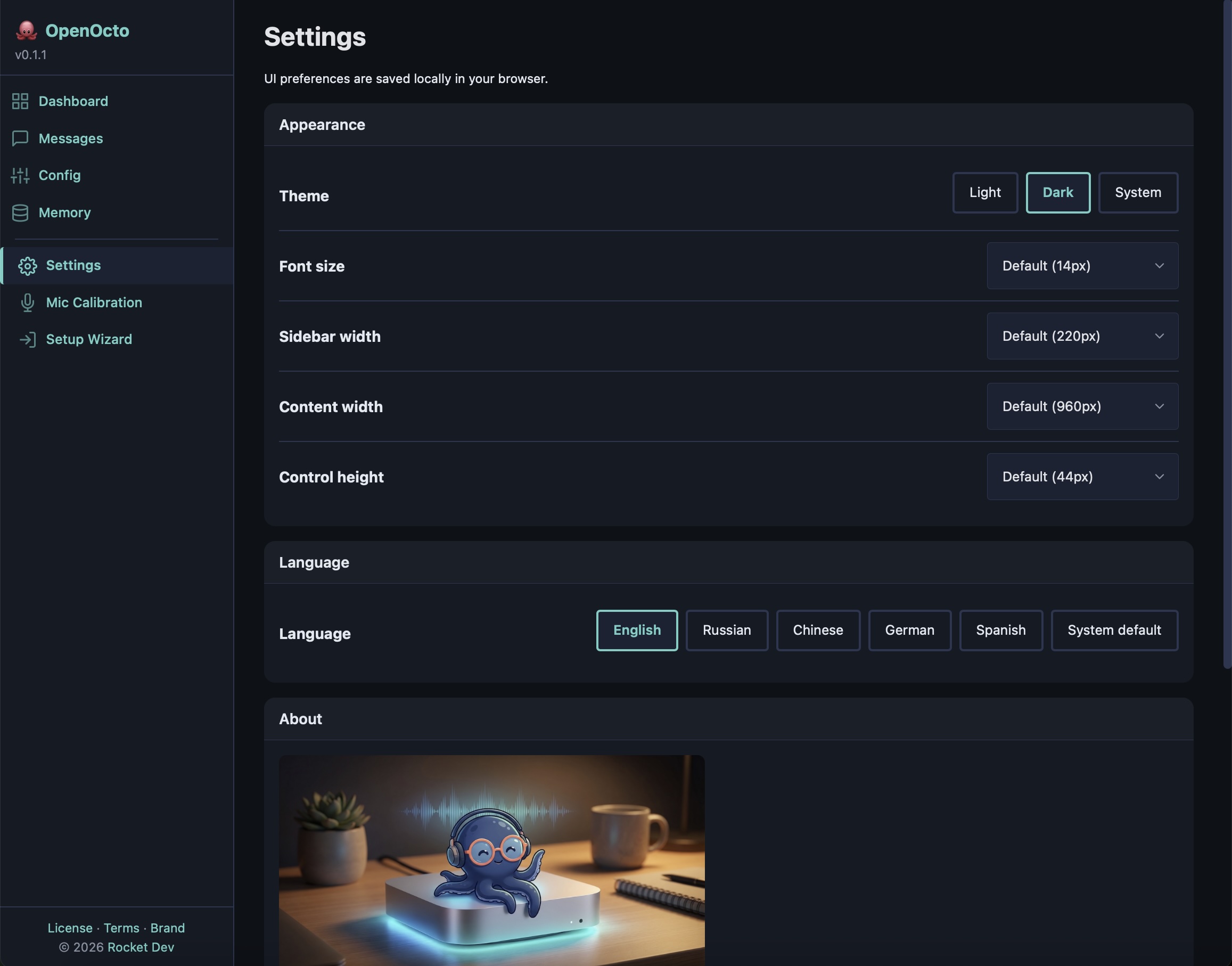
  • Web Dashboard
  • REST API & OpenClaw Gateway
Phase 3

Mobile App

  • React Native (iOS + Android)
  • Push notifications
  • Voice commands from app
  • Status dashboard
  • Tailscale integration
Phase 4

Ecosystem

  • Persona marketplace
  • Community personas & skills
  • Speaker ID
  • Multi-room audio
  • Kids mode & sound monitoring

Blog

Updates, guides, and insights from the OpenOcto project

Join the Community

OpenOcto is built by the community, for the community

GitHub

Star the repo, report issues, submit PRs

Telegram

Russian-speaking community channel

Contact

Questions, partnerships, commercial licensing

info@openocto.dev

Built with love by Rocket Dev 🚀